You can now find the functions of Trend Explorer in a new design and optimized form on the Trendmanager platform. In the following, we will present you all the news and adjustments of the Trendmanager Explorer module, so that you can experience an easy and undisturbed transition when switching tools.
What’s new in the Trendmanger Explorer module?
Navigation and the trend universe
- You can navigate through the tool via the side menu. Here you will find all functions as well as information areas.
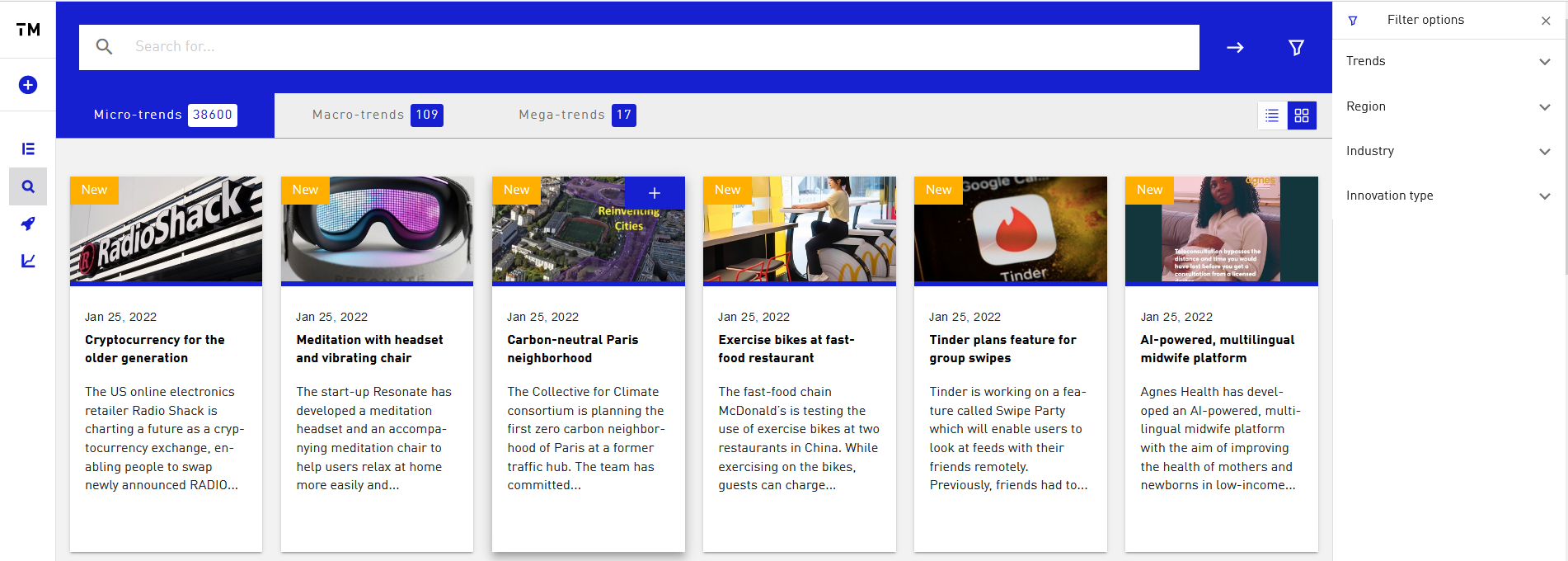
- The Trendfinder offers you a clear view of our trend universe. In three tabs you can navigate through our micro-macro and mega trends.
- You can perform a full-text search here as usual or use our filters.
Workspaces
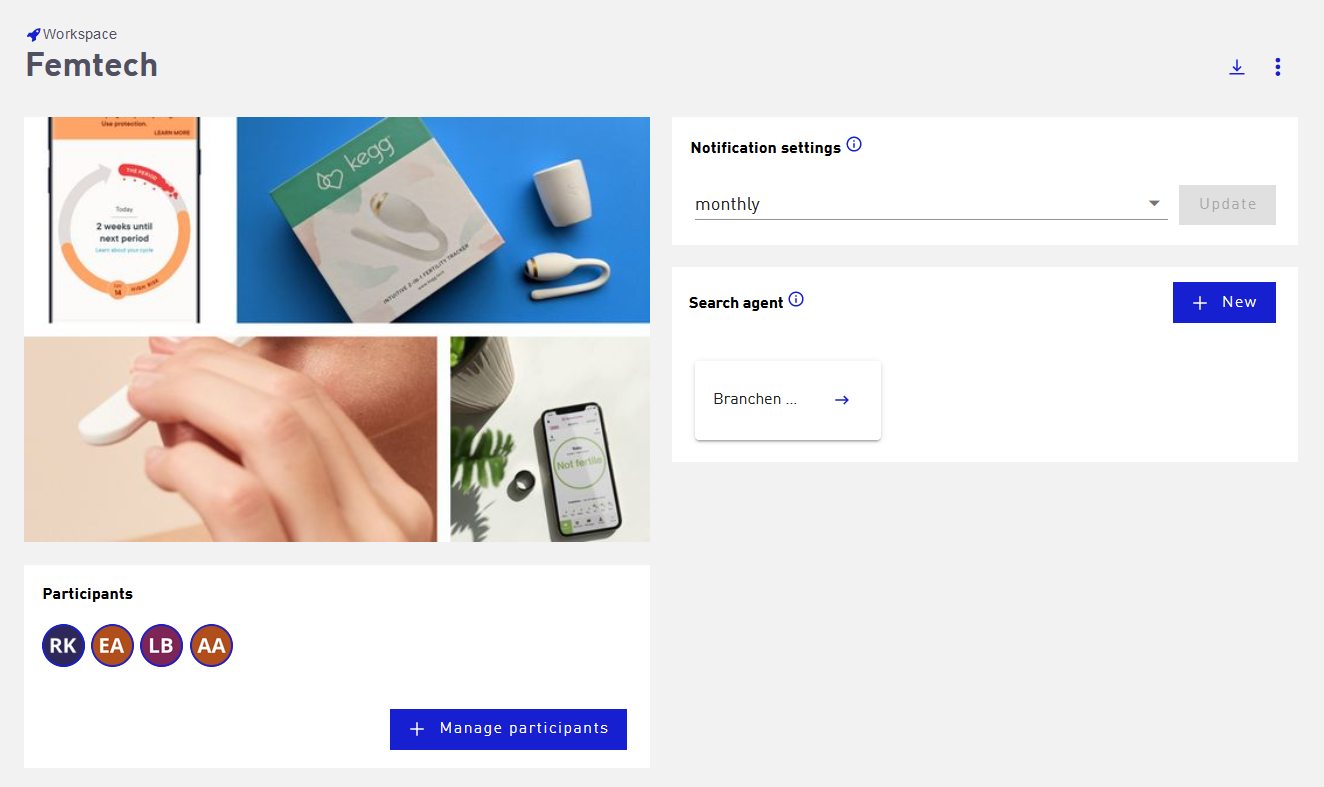
- The menu takes you to the workspaces. The Workspaces replace your searches from the Trendexplorer. Important: All searches from your old Trendexplorer account have been transferred in the Trendmanager and created as Workspaces. You will not lose any data!
- You can create workspaces in private mode, so that only you can access the content, or add team members to this workspace. Useful information on how workspaces work and how to create them is summarized for you in this section.
- In the workspace, you can not only add trends independently, but also create search agents. These offer various possibilities to identify relevant trends in the tool. See our Search Agents section for a detailed explanation of how they work and how to create them.
- The search agents replace your alerts from the old Trendexplorer. One advantage of the search agents is that you no longer receive only email notifications about new trends that match your search criteria, but these trends are assigned directly in your workspace. Here you can then decide at the next login whether these trends should remain in your folder or be removed. You can find a detailed description here.
Collaborative working
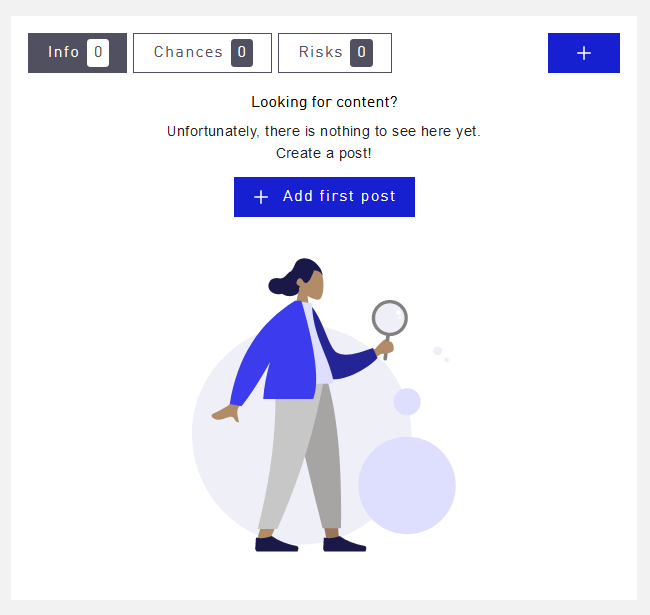
- Another function update offers you the contribution function on the Macro-Trend detail pages. Here, every user of your company can create his own contributions. This could, for example, include further information on the macro trend, such as statistics or sources, as well as potential opportunities or risks of the trend for your business area.
- All users of your company will be informed about new contributions on the start page of the trend manager explorer in the activity feed. A link will take you quickly to the relevant trend, and you can read and comment on the full posts. Interact with other users by replying to another user’s post and together develop a better understanding of the relevance of the trend and the options for action.